Setting up a multiplayer instance requires balancing budget with execution performance. The most common question every administrator asks is: "How much RAM does my server actually need?"
Assigning too little memory causes devastating server lags, continuous garbage collection cycles, and frequent crashes. Conversely, over-allocating memory wastes hosting budget on unutilized overhead resources.
Whether you are running a casual Minecraft vanilla world for friends or managing scalable virtual spaces on a dedicated platform like CloudLaag, calculating your project's exact memory constraints is vital to keeping game loops running smoothly.
Random Access Memory (RAM) acts as the server's short-term workspace. While single-core processor speeds dictate how fast the engine ticks, memory handles everything currently existing inside the active worlds. Your server allocations handle the following elements simultaneously:

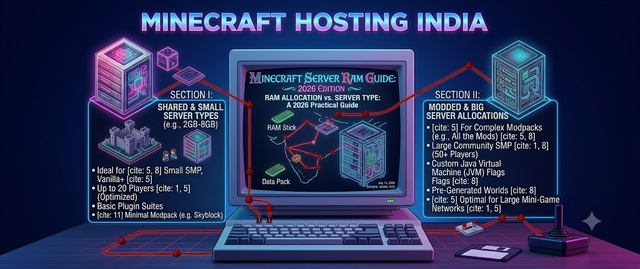
Memory needs depend heavily on your game version, optimizations, player counts, and modifications. Here is a reliable blueprint to help you evaluate standard Minecraft requirements:
Simply counting player profiles isn't enough; structural configuration parameters heavily impact your baseline usage.
The server's internal view distance controls how many chunk rings load around every participant. Increasing your view distance from 6 chunks to 10 chunks exponentially increases memory consumption, as the server has to process hundreds of additional blocks simultaneously per player.
Running an open-source multiplayer project on a basic shared framework often exposes you to performance theft. Upgrading to a standalone, isolated VPS environment guarantees that your allocated memory remains exclusively yours. When managing demanding networks, a premium game VPS configuration avoids hardware throttling, ensures strict isolation, and maintains lower ping values across major target zones.
| Server Profile Setup | Minimum Allocation Target | Recommended Deployment Setup | | Small Vanilla Co-Op | 2 GB | Standard Minecraft Node | | Optimized Paper Network (15+ Players) | 4 GB | High-Performance Node / VPS | | Heavy Plugin / Survival Economy Hub | 6 GB | Scalable Virtual VPS Container | | Heavy Modpack Framework (ATM/RLCraft) | 8 GB+ | Premium Enterprise VPS Instance |
Determining your server's ideal configuration comes down to matching your active plugin metrics and expected player counts with high-performance hardware. For most clean, modern Minecraft server instances, 4GB to 6GB of RAM deployed on premium, low-latency nodes acts as the sweet spot for a smooth, lag-free gameplay experience.
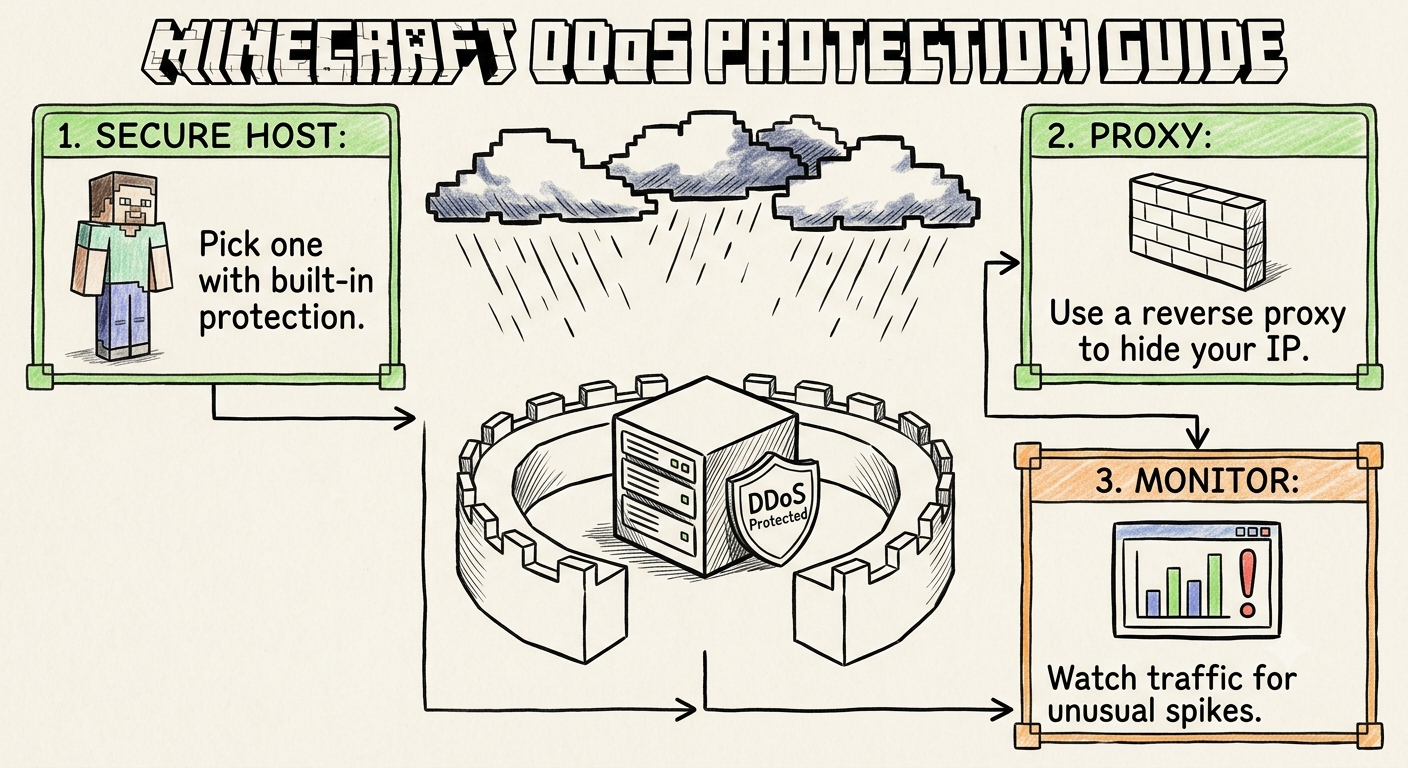
Choosing enterprise infrastructure pipelines like CloudLaag ensures your projects receive isolated hardware pools, localized low-latency network paths across India, and specialized security layers tailored specifically to keep your communities protected, stable, and performing flawlessly.
Recommended for this article