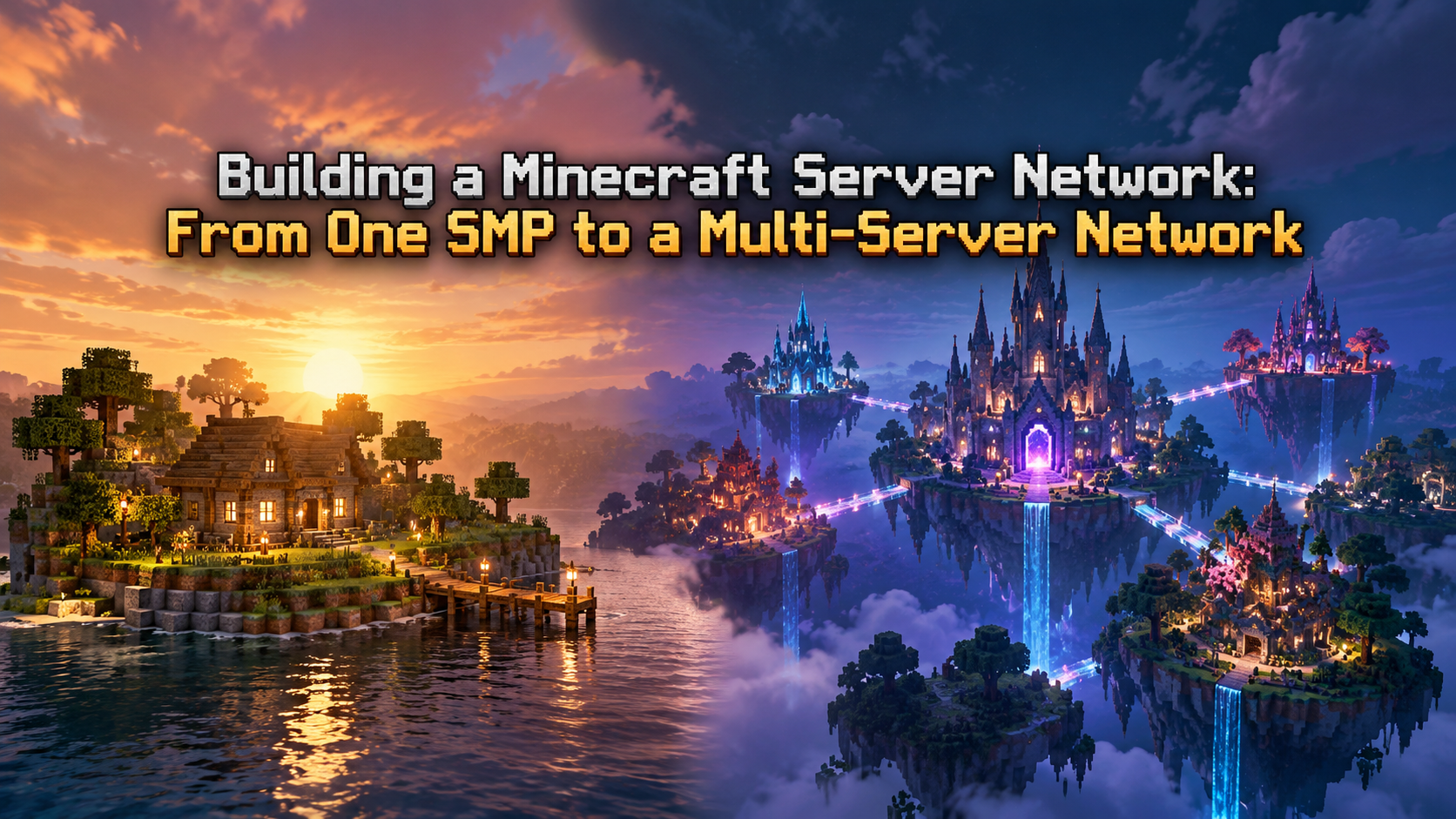
Every large multiplayer network begins as a humble Survival Multiplayer (SMP) world. In the beginning, hosting a single server instance works fine. However, as your community expands, you inevitably hit the single-thread limitations of the Minecraft server engine.
Adding more game modes—such as a dedicated Lobby/Hub, Lifesteal, Bedwars, or Minigames—to a single server instance quickly degrades performance. Entities accumulate, chunk generation spikes, and player counts surge, driving Ticks Per Second (TPS) down from a clean 20.0 into unplayable territory.
The solution is transforming your standalone SMP into a Multi-Server Network.
By distributing workloads across dedicated server processes interconnected by a modern proxy, you unlock near-infinite horizontal scalability. Whether you are running a regional SMP or building the next large gaming community on CloudLaag, this guide walks you through the architecture, software stack, and security protocols needed to build an enterprise-grade Minecraft network.
A multi-server Minecraft network does not run on one massive Java process. Instead, it relies on a Proxy Architecture that decouples the player's connection point from the backend world nodes.
Choosing the correct proxy software dictates your network's stability and resistance to bot attacks.
Connecting multiple game worlds requires unified backend systems so player data, permissions, and chat sync cleanly across nodes.
| Operational Metric | Standalone SMP | Multi-Server Network (Velocity) |
|---|---|---|
| Player Routing | Direct client-to-server connection | Client connects to Proxy (25565), Proxy routes to node |
| Hardware Isolation | Single Java process shares all load | Isolated Java processes per world node |
| Performance Bottlenecks | Chunk loading on SMP lags all players | Lag on one node is isolated; others remain at 20.0 TPS |
| Data Storage | Local flat files (.yml or SQLite) | Centralized MariaDB & Redis data structures |
| Cross-Play (Geyser/Floodgate) | Installed per server instance | Installed once directly on the Velocity Proxy |
The most critical mistake new network administrators make is leaving backend server ports publicly exposed to the internet.
Backend game servers behind a proxy must run in online-mode=false so the proxy can handle player authentication. If your backend ports (e.g., 25566, 25567, 25568) are open to the public, malicious users can bypass your proxy entirely, spoof administrative UUIDs, and log in with operator privileges.
- Enable Modern Forwarding on Velocity: In velocity.toml, set player-forwarding-mode = "modern" and generate a strong forwarding secret key. In your backend paper-global.yml, set velocity.enabled: true and paste the exact same secret.
- Configure Host Firewalls (UFW / IPTables): If your instances run across multiple nodes, configure your firewall so backend game ports accept incoming TCP traffic only from the proxy's internal IP address:
# Allow connections to backend game port ONLY from the Proxy IP
sudo ufw allow from <PROXY_IP> to any port 25566 proto tcp

# Block all other external connections to the backend port
sudo ufw deny 25566/tcp
sudo ufw deny 25566/tcpRunning a multi-server network demands responsive single-core execution and fast database write speeds. If your databases lag or the proxy drops packets, the entire player base experiences disconnects.
Deploying your multi-server ecosystem on CloudLaag provides the ideal infrastructure footprint. By combining high-frequency Minecraft hosting nodes with scalable, root-access VPS hosting containers, you can cleanly separate your frontend Velocity proxy, MariaDB databases, and backend game worlds.
Every virtual machine and game node deployed on CloudLaag is powered by high-frequency AMD Ryzen and AMD EPYC processors paired with enterprise NVMe SSD arrays as a standard baseline. This ensures that cross-server inventory syncing, world saves, and chunk generation execute without disk bottlenecks.
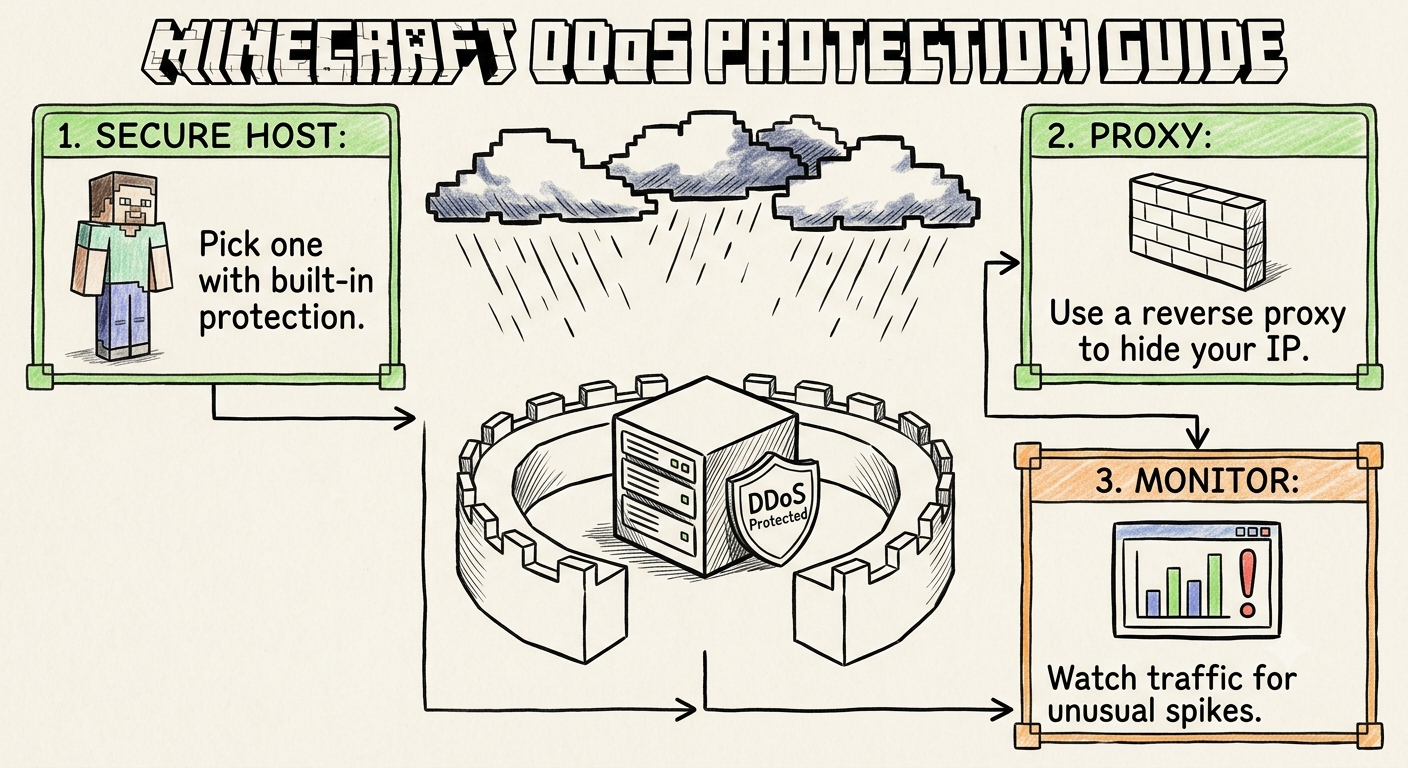
Furthermore, multi-server networks are prime targets for malicious bot floods and volumetric DDoS attacks. With automated , protocol-aware edge scrubbers filter out botnets and UDP reflection attacks before they ever hit your proxy, keeping your sub-25ms routing paths across India stable round-the-clock.
If your gaming community expands into companion platforms—such as managing guild bots on or launching survival nodes on —you can orchestrate your entire digital portfolio under one unified platform.
- Allocate Memory Proportionally: Do not over-allocate RAM to your proxy or lobby. A Velocity proxy rarely needs more than 1 GB to 2 GB of RAM, and a clean Hub world operates smoothly on 2 GB to 4 GB. Reserve the bulk of your system memory for your active survival worlds.
- Review Infrastructure Documentation: System managers can study verified Pterodactyl setup workflows, database configurations, and port routing rules inside official CloudLaag technical docs and developer wikis.
- Follow Server Optimization Trends: Stay updated on proxy forks, Aikar startup flags, and JVM memory tuning by reading technical guides on the CloudLaag network blog page.
Transitioning from a single SMP into a multi-server network is the only proven method to scale a Minecraft community without sacrificing gameplay quality. By placing a high-performance Velocity proxy at the front line, centralizing permissions with MariaDB, and isolating world loads across distinct backend instances, you create a seamless, enterprise-grade gaming network.
By deploying your network infrastructure on high-performance Minecraft nodes and isolated VPS hosting managed by CloudLaag, you give your players the high TPS stability, low ping, and robust edge security required to grow your community into a massive multiplayer destination.
Recommended for this article
Monday, July 13, 2026