When launching a new Minecraft server, the biggest trap server owners fall into is guessing their memory requirements. Buy too little RAM, and your server crashes with a dreaded java.lang.OutOfMemoryError the moment friends start exploring with Elytras. Buy too much RAM, and you end up overpaying every month while accidentally causing Java Garbage Collection (GC) lag spikes.
In 2026, modern Minecraft updates (1.21+ running on Java 21) feature taller world heights, deeper cave generation, and complex trial chambers. This means old 2020-era "1GB RAM is enough" advice no longer holds up in production.
Whether you are starting a private weekend SMP, building a competitive Lifesteal community, or launching a massive kitchen-sink modpack on CloudLaag, here is the exact technical breakdown of how much RAM your Minecraft server actually needs to hold a rock-solid 20.0 TPS.
Use this benchmark matrix to match your exact server type and player count to the right memory allocation:
| Server Type / Engine | Concurrent Players | Minimum RAM | Recommended RAM (20 TPS) | Ideal Use Case |
|---|---|---|---|---|
| Proxy (Velocity) | Up to 250 Players | 1 GB |

| Frontend traffic routing & anti-bot filtering |
| Vanilla / Paper (Light) | 1β10 Players | 3 GB | 4 GBβ6 GB | Private friend SMP, basic QoL plugins (Simple Voice Chat) |
| Paper / Purpur (Standard) | 10β25 Players | 6 GB | 8 GB | Public SMP, Economy, Land Claims, 20β40 plugins |
| Large Community SMP | 25β60 Players | 10 GB | 12 GBβ16 GB | Heavy plugins, custom bosses, active chunk generation |
| Fabric / NeoForge (Light) | 5β15 Players | 6 GB | 8 GB | 50β100 Mods (Cobblemon, Origins, Create Mod) |
| Heavy Modpacks | 5β20 Players | 10 GB | 12 GBβ16 GB+ | 250β450+ Mods (ATM9/ATM10, RLCraft, Dawncraft, Prominence II) |
A common myth is that Players = RAM. In reality, a player standing still at spawn consumes less than 50 MB of memory. What actually drains your server RAM are the world chunks and entities loaded around each player.
Here is how an 8 GB Paper SMP server with 15 players uses its memory under real load:
- Base Java & OS Overhead (1.5 GB β 2.0 GB): Just booting the Minecraft 1.21+ server jar and initializing the Java 21 runtime environment takes roughly 2 GB before a single player joins.
- Active Chunk Loading (2.5 GB β 3.5 GB): At a standard view-distance of 10, every player running in a separate direction loads hundreds of chunks into memory. 15 spread-out players require thousands of chunks held in active RAM.
- Plugins, Entities & Tile Data (1.0 GB β 1.5 GB): Economy databases, holograms, villager trading halls, chest data, and hopper arrays stay cached in memory.
- Garbage Collection Buffer (1.0 GB β 1.5 GB): You must always leave 15% to 20% of your RAM free so the Java Garbage Collector has breathing room to clear dead data without freezing the server.
If you are running a standard survival server for 5 to 15 friends, switching from the default Mojang Vanilla jar to Paper or Purpur is mandatory. Paper optimizes how chunks are cached and unloaded. For a 10-player SMP with 15 essential plugins (like EssentialsX, LuckPerms, Chunky, and CoreProtect), 6 GB to 8 GB of RAM is the golden sweet spot that prevents out-of-memory crashes during Nether or End exploration.
In India, a huge portion of the player base plays on mobile (MCPE) and consoles via Bedrock Edition. When you install GeyserMC and Floodgate on your Java server to allow Bedrock players to join, Geyser has to translate Java packets, block states, and entity IDs into Bedrock format in real time. Always add 1 GB to 2 GB of extra RAM on top of your base requirement if you enable cross-play.
Modded servers operate on a completely different memory scale than plugin servers:
Many server owners assume that throwing 24 GB or 32 GB of RAM at a small 10-player SMP will make it run twice as fast. In Java, the exact opposite happens.
Minecraft runs inside the Java Virtual Machine (JVM), which uses an automated cleanup crew called the Garbage Collector (G1GC).
Before paying to upgrade your hosting plan, apply these three optimizations in your Pterodactyl panel to free up gigabytes of wasted memory:
- Use Aikarβs JVM Startup Flags: Never run a server with default Java flags. Aikarβs tuned G1GC flags regulate how Java cleans memory, preventing heap bloat and freezing.
- Pre-Generate Your World with Chunky: Generating brand-new chunks spikes both CPU and RAM usage. Pre-generating a 5,000-block border before opening your server keeps memory usage flat and predictable.
- Cap View & Simulation Distance: In server.properties, set simulation-distance=6 and view-distance=8 (or 10). Lowering simulation distance from 10 to 6 cuts active entity memory overhead by nearly 40% with zero noticeable impact on gameplay.
Getting the exact amount of RAM you need only works if the host gives you dedicated, unthrottled memory backed by a fast processor. Many budget hosts use aggressive memory overselling and slow storage, meaning your "8 GB server" is actually fighting for swap space on a crowded drive.
When you deploy your world on CloudLaag, every Minecraft hosting plan and isolated VPS hosting container gives you guaranteed DDR4/DDR5 ECC memory paired with high-frequency AMD Ryzen and AMD EPYC processors.
Because CloudLaag pairs your RAM allocation with enterprise NVMe SSD storage arrays as a standard baseline, chunk loading and world saves happen in under 100 milliseconds. If your community outgrows a 6 GB plan, you can scale up to 8 GB, 12 GB, or 16 GB in clicks without losing a single file or changing your server IP.
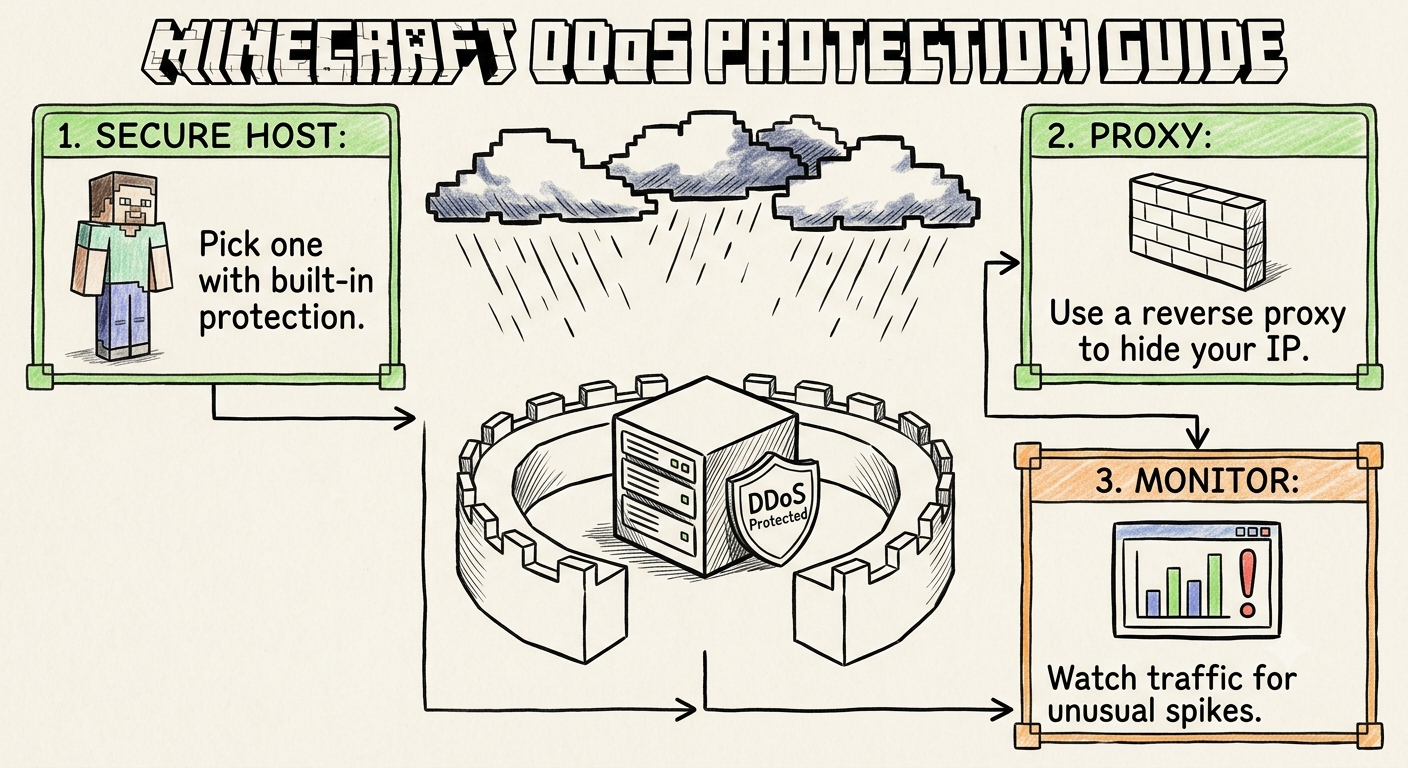
Furthermore, your memory and CPU resources remain shielded by automated Always-On DDoS Protection. Protocol-aware edge scrubbers block malicious bot connection floods before they can fill up your RAM slots, maintaining clean sub-25ms ping across India. And if you want to offload auxiliary tasks from your game server, you can easily host your community bots on dedicated Discord hosting or launch side survival worlds on Palworld hosting.
- Monitor Real Heap Usage, Not Container Usage: Java always reserves all the RAM you assign to it inside the Pterodactyl graph. Install the Spark plugin and run /spark health in-game to see your true active memory heap usage.
- Review Official Setup Guides: Server administrators can copy verified Aikar startup flags, paper-global.yml memory tweaks, and container tuning configs inside the official CloudLaag technical docs.
- Follow Performance Benchmarks: Stay updated on Java 21+ optimizations, modpack memory benchmarks, and network scaling tutorials on the CloudLaag network blog page.
Choosing the right amount of RAM for your Minecraft server doesn't require guesswork:

Wednesday, July 1, 2026