Choosing the right virtual server setup is one of the most consequential infrastructure decisions a developer, system administrator, or growing business can make. When upgrading from basic web hosting to virtual private servers, you immediately encounter a fundamental fork in the road: Managed VPS vs Unmanaged VPS.
While both options run on isolated virtual container architectures, they differ drastically in who bears the responsibility for daily system administration, software patching, network configuration, and security hardening.
Whether you are deploying web applications, corporate databases, or scaling custom software on a high-speed platform like CloudLaag, understanding the trade-offs between managed and unmanaged hosting ensures you maximize performance without overspending your engineering budget.
In a managed hosting environment, the hosting provider functions as an external system administration team. The provider provisions the hardware, installs the operating system, configures web server stacks, and manages ongoing server health.
Managed hosting frees your team to focus entirely on application development, marketing, and business growth rather than backend server maintenance.
Managed hosting carries a significantly higher monthly cost due to the labor involved, and some providers restrict custom kernel modifications or specialized background software to maintain platform stability.
An unmanaged VPS (also known as a self-managed server) provides raw virtual hardware, a network pipeline, and a fresh operating system image (such as clean distributions of Ubuntu, Debian, or AlmaLinux). Everything else is up to you.
Unmanaged hosting gives technical users total control over system configurations, custom security policies, and application dependencies at a fraction of the cost.
It requires advanced Linux or Windows system administration expertise. If a software update breaks a dependency, a database corrupts, or a bad configuration locks you out, you are entirely responsible for troubleshooting and recovery.
| Operational Feature | Managed VPS | Unmanaged VPS |
|---|---|---|
| Initial Server Setup | Handled completely by provider | Handled manually by user via CLI |
| Administrative Access | Often restricted or monitored | Unrestricted Full Root Access (SSH) |
| Operating System Patches | Automated system updates | User-managed manual updates & tuning |
| Security & Firewalls | Pre-configured firewalls & scans | Custom IPTables/UFW and security rules |
| Technical Skill Needed | Minimal to moderate | Advanced Linux/Sysadmin knowledge |
| Direct Infrastructure Cost | Higher upfront monthly cost | Extremely economical & cost-effective |
If your organization lacks dedicated Linux system administrators or command-line expertise, managing security patches, SSL certificates, and web stacks manually introduces significant operational risks. If your team is comfortable with SSH, shell scripts, and system service management, an unmanaged instance offers far greater flexibility.
For revenue-generating e-commerce portals, production SaaS applications, and enterprise databases, server downtime directly converts into lost revenue. Managed setups offer immediate hands-on support during unexpected server crashes, whereas unmanaged setups require your internal team to diagnose and repair issues independently.
If your software demands custom compiled packages, specialized game server loops, or non-standard database configurations (such as custom setups for a Minecraft network or a Palworld instance), an unmanaged environment eliminates provider restrictions, giving you complete architectural sovereignty.
Whether you choose a fully hands-off setup or prefer complete root control over your command line, the underlying hardware reliability dictates your server's true uptime and responsiveness.
Deploying your virtual instances through CloudLaag gives you access to enterprise-grade VPS hosting powered by high-frequency AMD processors, unthrottled RAM allocations, and high-speed NVMe SSD storage arrays as a standard baseline.
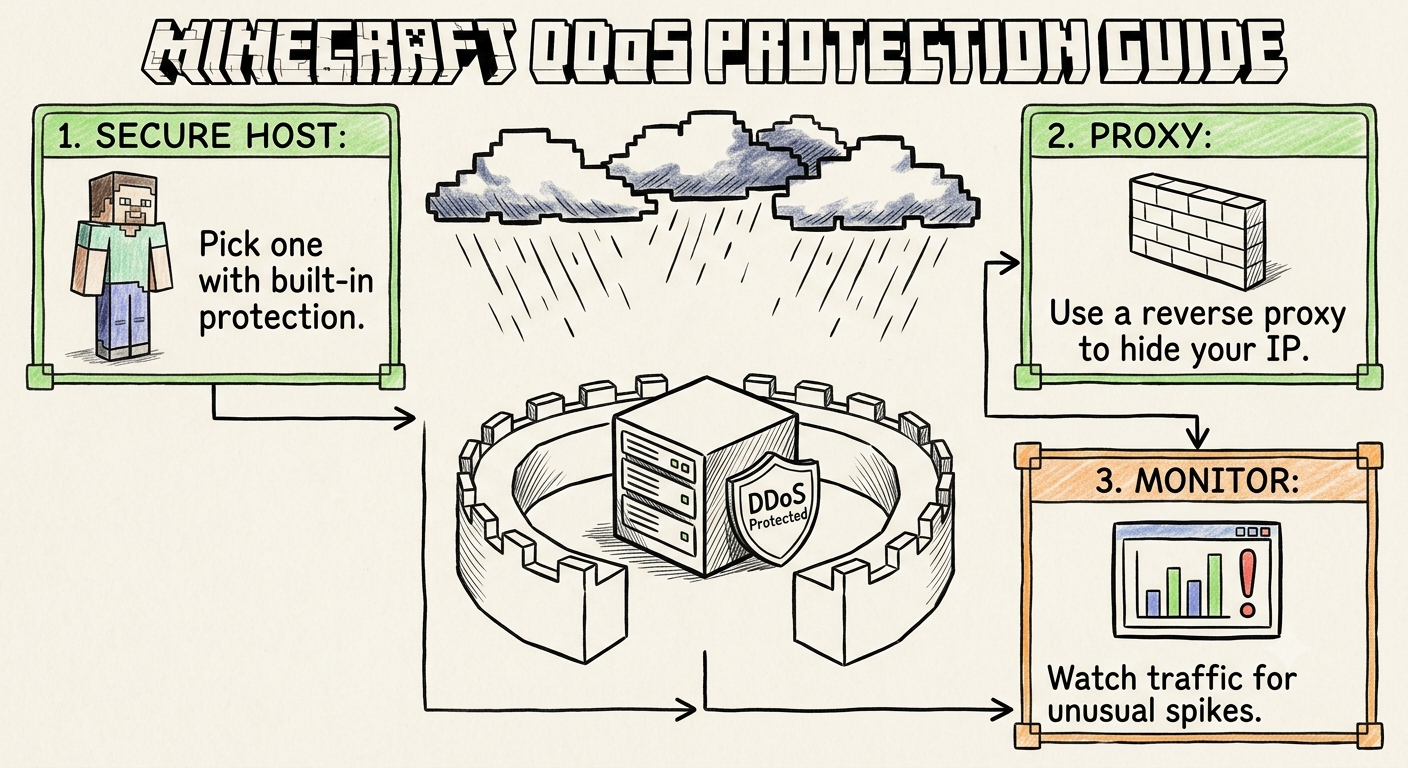
Every virtual instance managed under CloudLaag benefits from robust edge security. While your virtual machines execute high-density database queries or application loops, automated Always-On DDoS Protection filters out malicious traffic floods before they reach your container. This guarantees unhindered CPU access and stable sub-40ms routing across major connectivity hubs in India.
- Implement Automated Backups: Never rely solely on local storage. Maintain regular offsite snapshots of your databases and system configuration files.
- Review Engineering Documentation: System managers can explore verified Linux setup workflows, security hardening steps, and OS tuning guides inside official CloudLaag technical docs and developer wikis.
- Follow Infrastructure Trends: Stay informed about hardware upgrades, virtualization frameworks, and server management best practices by reading technical analysis articles on the CloudLaag network blog section.
Choosing between a managed and unmanaged server comes down to balancing technical expertise against time and budget. If you want zero administrative hassle and 24/7 technical assistance, managed hosting is worth the investment. If you want total system control, unthrottled custom execution, and lower infrastructure costs, an unmanaged server is the ideal path.
By hosting your environment on high-performance VPS hosting managed by CloudLaag, you guarantee that your virtual nodes receive enterprise hardware power, low-latency network routing, and continuous edge protection to keep your digital applications operating flawlessly.
Recommended for this article
Monday, July 13, 2026