When setting up a multiplayer Minecraft server, the first specification most owners look at is system memory (RAM). Commercial hosts often market packages solely by their gigabyte count—selling 8 GB, 16 GB, or 32 GB plans as if memory alone dictates a lag-free experience.
Yet, countless server administrators encounter the exact same frustrating scenario: allocating 16 GB of RAM to a server with only ten players online, only to watch Ticks Per Second (TPS) plummet to 12.0 during intense mob raids, elytra flight, or automated farming.
The truth is simple: RAM determines whether your server can start and stay open, but your CPU determines how fast the game actually plays.
Whether configuring a small survival world or scaling an expansive multiplayer network on a high-speed platform like CloudLaag, understanding the mechanics behind the Minecraft server CPU loop is vital to eliminating lag, maximizing TPS, and choosing the right hosting hardware.
Minecraft’s core game loop runs on an internal clock ticking 20 times per second (20.0 TPS). This means that every single tick must compute within a strict 50-millisecond execution budget: During those 50 milliseconds, the server must calculate:
Modern desktop and enterprise processors come with anywhere from 8 to 64 physical cores. However, the Java-based Minecraft server architecture is fundamentally single-threaded on its primary game tick loop.
While modern optimized server forks like Paper and Purpur offload network packet I/O, player authentication, and chunk loading/saving to auxiliary threads, the actual game logic (entities, world ticks, and redstone) cannot be split across multiple cores.
A server running on a 64-core enterprise processor clocked at 2.4 GHz will deliver disastrous Minecraft performance compared to a 6-core consumer processor running at 4.8 GHz. The 64-core chip has massive multi-threaded capacity, but the single core tasked with executing the main tick loop is physically too slow to finish within 50ms.
| Hardware Characteristic | Low Clock Enterprise CPU (e.g., Older Xeon) | High-Frequency Architecture (e.g., Modern AMD Ryzen) | Real-World Impact on Minecraft |
|---|---|---|---|
| Single-Core Boost Clock | 2.2 GHz – 2.8 GHz | 4.5 GHz – 5.0+ GHz | Directly controls the speed of the 50ms tick budget |
| Instructions Per Cycle (IPC) | Older generation architecture | Zen 3 / Zen 4 / Zen 5 Architecture | Executes 20% to 40% more instructions per clock cycle |
| L3 Cache Capacity | Shared, higher latency | High-Density, Low-Latency L3 Cache | Speeds up continuous lookups of entity and chunk data |
| TPS Under Heavy Redstone | Tanks to 10–14 TPS under load | Sustains stable 19.5 – 20.0 TPS | Prevents block desync and server-side lag spikes |
If the CPU is the engine that drives the tick rate, what does RAM actually do?
RAM (Random Access Memory) acts as temporary scratchpad storage. It holds the currently loaded chunks, active entity records, player profile caches, and plugin metadata in fast memory so the CPU doesn't have to read from disk constantly.
More RAM is not always better. The Java Virtual Machine manages memory using a process called Garbage Collection (GC). Over time, temporary data (such as completed mob pathfinding calculations) accumulates in memory. When the allocated RAM fills up, the JVM pauses the server execution thread to sweep away the garbage.
If you assign 16 GB or 32 GB of RAM to a server that only requires 6 GB, the garbage collector waits longer between cycles. But when it finally runs, the cleanup task is so massive that it freezes the CPU execution thread for 500ms to 2000ms. Players perceive this as massive periodic freeze spikes.
To get the most out of your processor, focus on reducing the volume of calculations the CPU must process per tick:
- Deploy Paper or Purpur: Replace Vanilla or base Spigot with Paper or Purpur. Their asynchronous chunk engines free up the primary CPU thread for game logic.
- Pre-Generate World Chunks: Generating terrain on the fly as players fly around with Elytras demands heavy mathematical calculations from the CPU. Use plugins like Chunky to pre-generate your world border radius so the processor merely reads chunks from storage instead of computing them live.
- Tune Simulation Distance: Lowering your server's simulation-distance in server.properties from 10 chunks down to 5 or 6 cuts the number of active ticking entities around players by more than 50%, immediately halving CPU tick time.
- Use Aikar’s JVM Flags: Configure your server startup arguments with tuned G1GC parameters to split garbage collection work evenly without stalling the main processor thread.
Many commodity server providers cut infrastructure costs by stuffing dozens of Minecraft servers onto low-frequency multi-core enterprise CPUs. While they can easily assign 16 GB of cheap RAM to your server container, the shared, low-clock CPU cores choke the moment your community builds complex mob farms or redstone contraptions.
Deploying your community on CloudLaag gives you direct access to gaming infrastructure optimized for raw single-thread speed.
With dedicated Minecraft hosting and isolated VPS hosting environments powered by high-frequency AMD Ryzen and modern AMD EPYC processors, your server receives the raw single-core clock speeds (4.5 GHz+) and instructions-per-cycle (IPC) necessary to process complex tick loops within the 50ms window.
Every node on the CloudLaag network pairs these high-speed processors with enterprise-grade NVMe SSD arrays as a standard baseline, ensuring that chunk loading, world saves, and database queries never stall CPU execution.
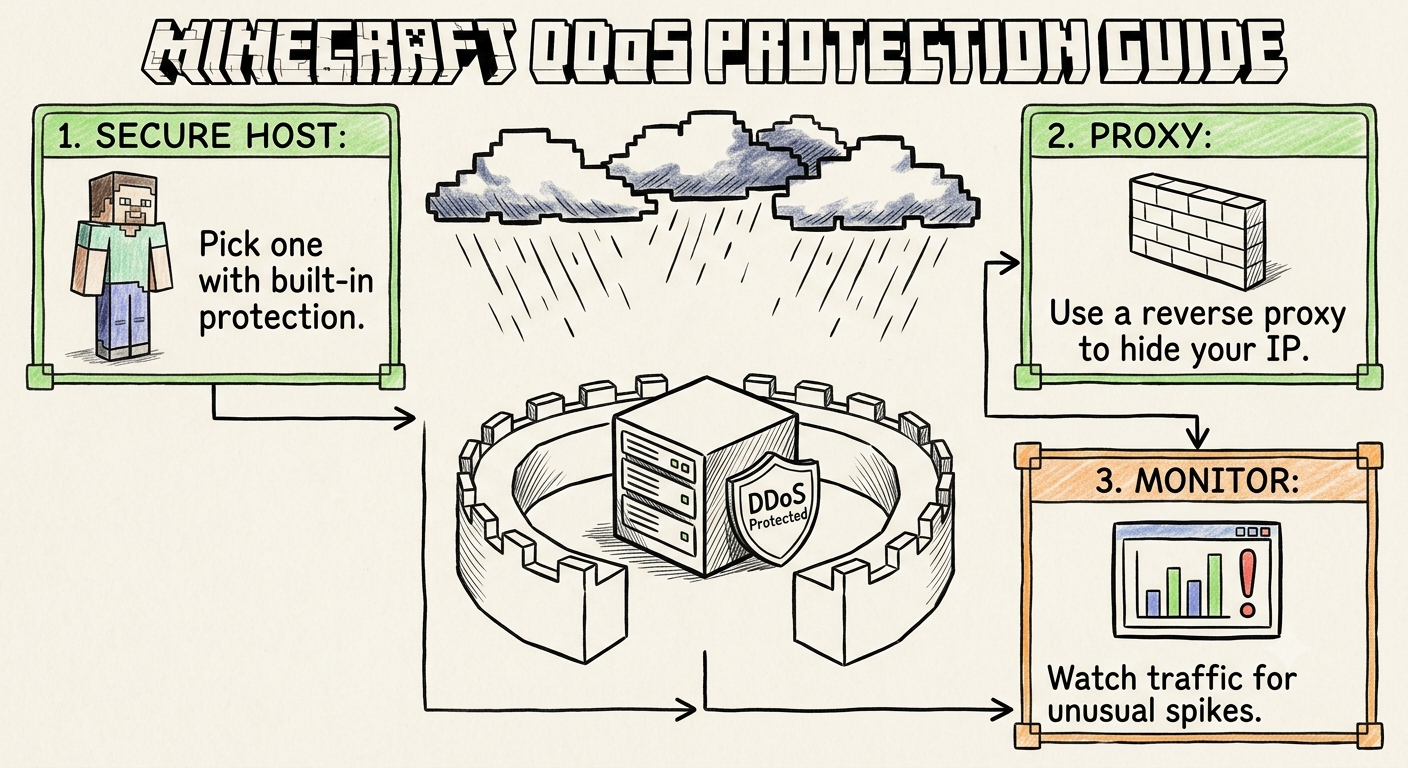
Furthermore, your CPU cycles are safeguarded by automated, . Protocol-aware edge scrubbers absorb volumetric UDP reflection attacks and bot floods before they ever touch your container, keeping your processor 100% focused on game physics while preserving sub-25ms routing across India.
If your network expands to include supporting applications—such as automated bots on or parallel survival worlds on —you can run your entire infrastructure on high-performance compute without noisy-neighbor bottlenecks.
- Profile Your CPU with Spark: Install the Spark profiler plugin to generate real-time execution graphs. Spark identifies the exact plugins, entity clusters, or redstone loops consuming the largest percentage of your 50ms tick budget.
- Review Official Infrastructure Documentation: System administrators can explore verified startup flags, JVM heap parameters, and container configurations inside official CloudLaag technical docs and developer wikis.
- Follow Server Engineering Insights: Stay updated on Java versions, performance forks, and hardware benchmarks by checking out technical guides on the CloudLaag network blog page.
RAM gives your server the memory space to exist, but the CPU dictates how well it actually performs. Buying massive RAM pools while neglecting single-core clock speed is the primary reason server owners struggle with low TPS and lag spikes.
To guarantee smooth, lag-free gameplay at a sustained 20.0 TPS, prioritize processors with high single-thread clock speeds, modern microarchitectures, and fast NVMe storage.
By deploying your world on high-frequency Minecraft infrastructure managed by CloudLaag, you give your server the unthrottled computing power and localized low-latency routing needed to keep your community running flawlessly under any load.