Starting a Minecraft server sounds like a weekend project until you hit the first real decisions: Java or Bedrock, which server software, how much RAM, which port, and why your friends still cannot connect. Most guides skip those decisions and jump straight to a command. This one walks through the whole path, from an empty account to friends joining your world, and explains why each setting matters so you do not have to guess later.
If you only want the short version: pick the edition, use a performance-focused server software such as Paper, size RAM for the players and plugins you actually expect, change five lines in server.properties, turn on backups, and share the address. The rest of this guide shows how.
Making these choices up front avoids the most common "I have to start over" moments.
| Decision | Choose this if... | What it changes later |
|---|---|---|
| Java or Bedrock | Your players are on PC and want plugins and mods (Java), or most players are on phones and consoles (Bedrock) | Which software you run, which port players use, which plugins exist |
| Server software | You want plugins and good performance (Paper), or mods (Fabric/Forge), or the plain game (Vanilla) | Plugin support, performance, and how you update |
| Player count and plugins | You know roughly how many people will be online at once | How much RAM and CPU you need |
| Where the server runs | Your players are mostly in India | Ping. A server physically close to your players feels smoother |
Not sure about server software? Our comparison of Paper, Fabric, Forge and Vanilla explains the trade-offs in detail. For most survival and SMP servers, Paper is the sensible default.
You have two realistic options.
Running it on your own PC. This works for a few friends for an evening. The server shuts down when you close the game or your PC, your home connection becomes the bottleneck, and you usually have to open ports on your router. It also exposes your home IP address to everyone who joins.
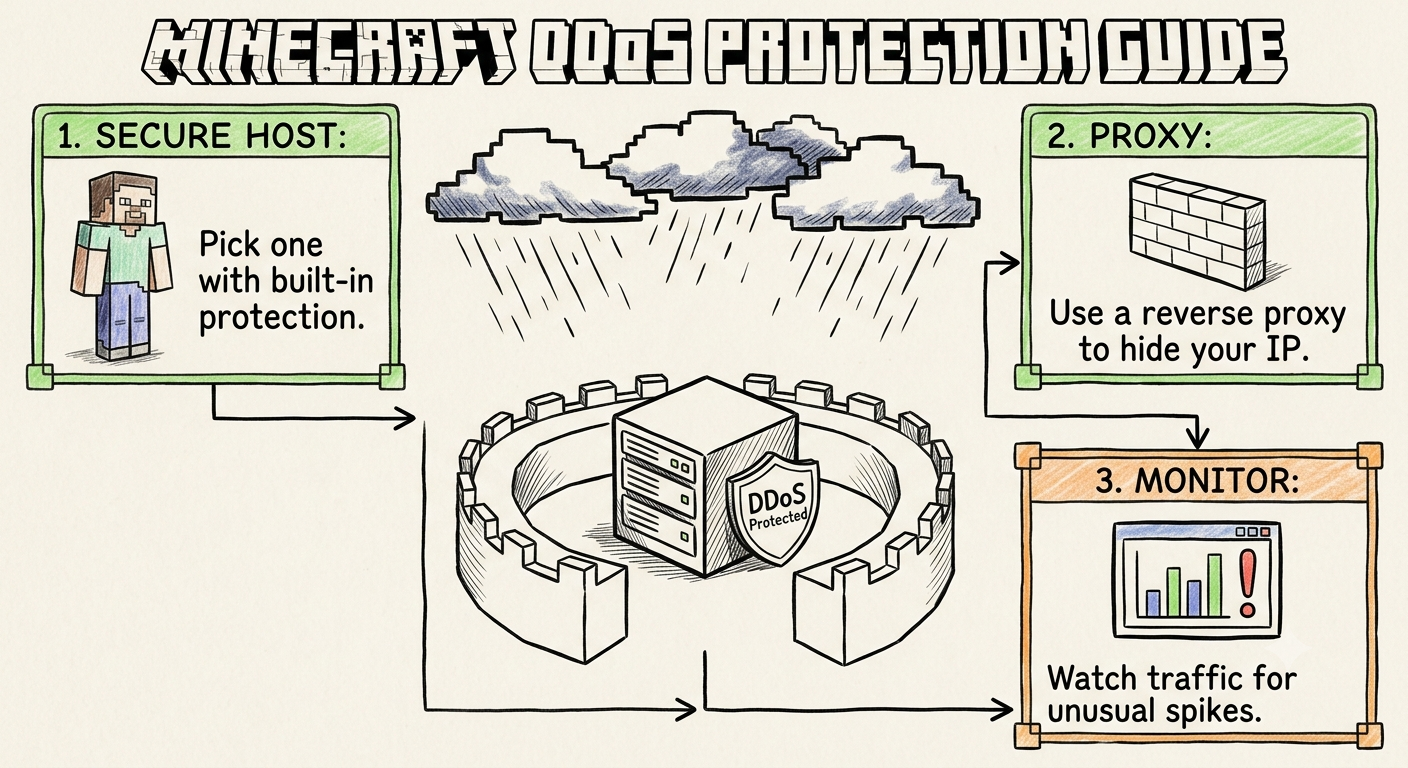
Using a Minecraft hosting provider. The server runs on dedicated hardware in a data centre, stays online 24/7, and you manage it from a web panel. You do not touch port forwarding, and a good host adds backups and DDoS protection. For anything you want to keep online, this is the practical route. If you are weighing the two, read Free vs Paid Minecraft Hosting first.
The rest of this guide assumes a hosted server with a control panel, because that is how most communities run. The server.properties and software steps apply either way.
RAM is the number everyone looks at, but it is only part of the picture. A rough starting point:
Two details people miss:
At CloudLaag you can compare the Budget and Premium Minecraft plans side by side, and the cheap Minecraft hosting page is a good place to start if you are testing with a small group.
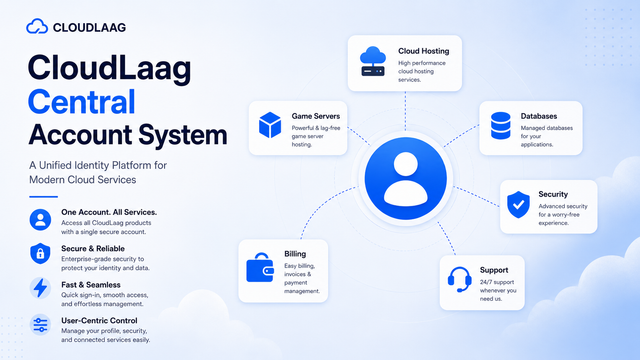
After you order, you get access to a game panel. From the panel you can start and stop the server, watch the live console, edit files, install software versions and create backups. You do not need an SSH client or any Linux knowledge to run a normal server.
Things to do immediately:
Start the server once. It will stop with a message about the Minecraft EULA. This is normal.
eula.txt.eula=false to eula=true. By doing this you agree to the Minecraft EULA.The first full start generates the world and the configuration files. Wait for the console to print a line saying the server is Done. You can now connect from your own game to confirm it works.
server.properties the Smart WayStop the server before editing and restart afterwards. You do not need to touch dozens of settings. These matter most:
| Setting | What it does | Practical advice |
|---|---|---|
motd | The message shown in the server list | Make it clear and short so your server looks trustworthy |
max-players | The player cap | Set it to what your plan can really handle, not an inflated number |
view-distance | How many chunks are sent to each player | A big source of lag. Lowering it is one of the easiest performance wins |
simulation-distance | How far from a player the world is actively ticked (mobs, crops, redstone) | Lowering it reduces CPU load with little visible change near the player |
online-mode | Verifies players against Mojang accounts | Keep this true unless you fully understand the risks of turning it off |
white-list | Only approved players can join | Turn it on for a private SMP |
The defaults for and are both 10, which is fine for a few players but expensive as the server grows. If you see TPS drops, start there, then move on to our list of .
Java players join with the address and port from your panel in the multiplayer menu. The default Java port is 25565, but a host may assign a different port, so always use the one shown in your panel.
Bedrock players use a different protocol and a UDP port, by default 19132. A pure Java server does not accept Bedrock clients. If you want phones, tablets and consoles to join the same world, run the Geyser and Floodgate plugins on a Paper server:
plugins folder and restart.Test with one Java client and one Bedrock client before you announce the server.
Many new servers get griefed in the first week because nothing was configured.
white-list=true, add friends, then open the server when you are ready.op to people you trust completely.online-mode=true. Turning it off lets anyone join under any username.The worst time to learn about backups is after a corrupted world or a bad plugin update. Create a backup before every major change, and keep at least one backup that is stored away from the server itself. Most panels let you take and restore backups in a couple of clicks, so make it a habit: back up, then update, then test.
On a Paper server, plugins go into the plugins folder as .jar files. Add them one or two at a time and watch the console for errors after each restart. A good starter set for a survival server usually includes:
Avoid installing a huge pack of plugins on day one. If something breaks, you want to know which one caused it.
view-distance at a high value on a small plan.We cover more of these in Common Mistakes New Minecraft Server Owners Make.
server.properties: max-players, view-distance, simulation-distance, online-mode, white-list.It depends on RAM, CPU and the features you need. A small friends-only server can run on an entry plan, while a busy community needs more resources. Compare current plans on the Minecraft hosting page, and see our pricing guide for how to judge value rather than just the lowest number.
You can host one on your own PC for a short session, but it goes offline when your PC does, and it uses your own internet connection. Free hosting plans usually come with strict limits. Our free vs paid comparison explains where the limits show up.
No. With a game panel you manage the server from the browser. Basic file editing is enough for most servers.
Yes, on a Paper server using Geyser and Floodgate. You also need a UDP port available for Bedrock players.
Use the version most of your players run, and check that your plugins support it. Newer is not always better if your key plugins have not updated yet.
Once you know your player count and the edition you want, the fastest way forward is to compare plans and start small. You can upgrade as the community grows. Explore the Minecraft hosting plans, or see the best Minecraft hosting in India guide if you want a broader comparison first.
Recommended for this article
simulation-distance